Field guide · Entry 12 of 14 · Perimeter
Someone walks into the loading dock during lunch. Facilities knows.
Draw a zone or a line on any camera. Pick a direction and a schedule. GroundsWatcher alerts on the people who cross it.
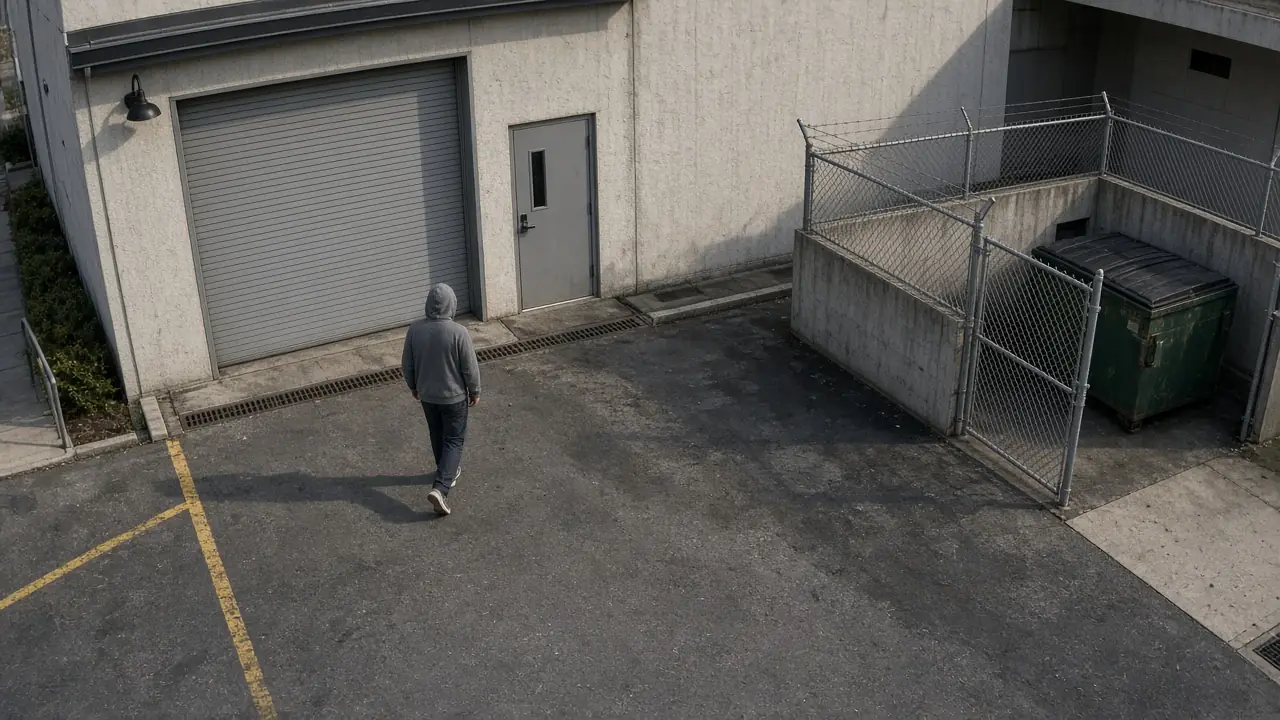
Loading dock, Camera 18Live 08:14:22
Restricted areaLoading dock
How GroundsWatcher examines it
- I
Draw it on the live view
Zones and lines, with a direction.
- II
Set who and when
People or vehicles, hours and days.
- III
Calibrate the camera
Each camera learns its own scale, so a person far away still counts.
- IV
Route it
Facilities, security or the office, your choice per zone.
An invitation
See it on your own cameras.
We bring the box, set it up on the cameras and doors you have, and walk your staff through it.
The careful eye on every campus.