
Field guide · Entry 10 of 14 · Perimeter
Someone at the gym door at night. The on-call admin knows.
Set the hours each area is closed. When a person shows up on a camera in that window, the on-call staff get the picture. Fence lines and roofs work the same way.
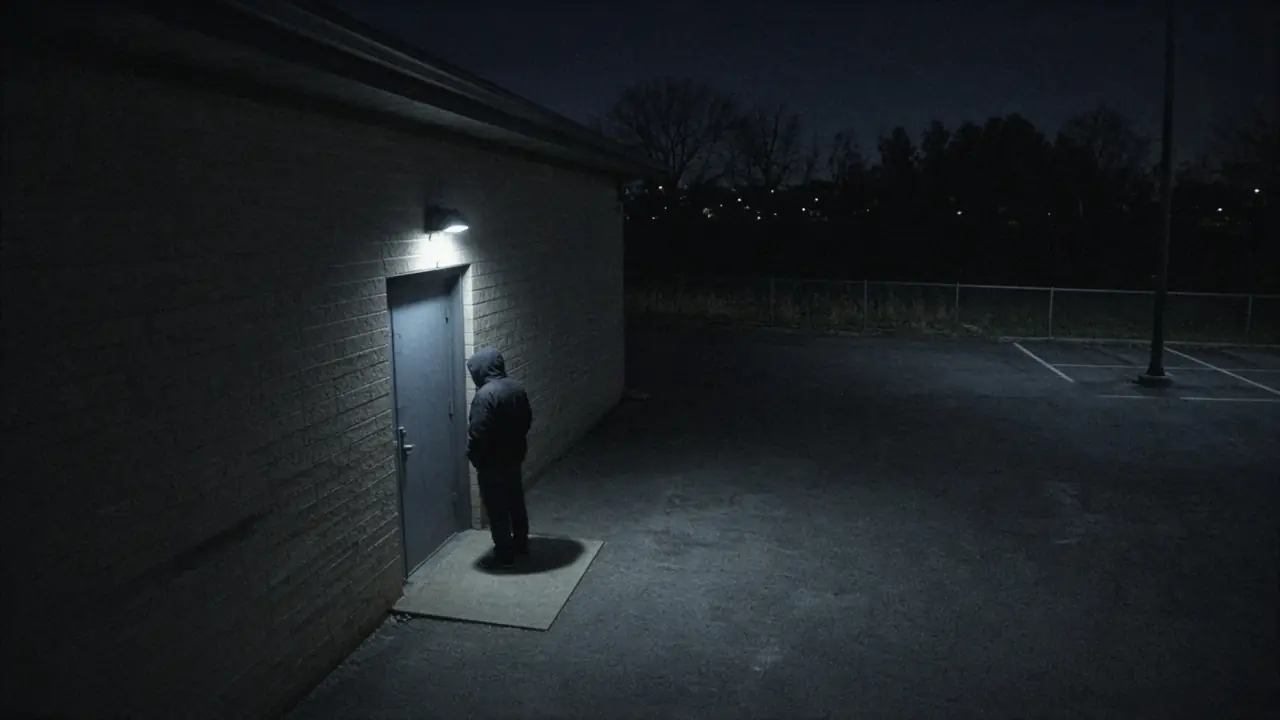
Gym side door, Camera 21Live 08:14:22
Person, after hoursGym side door
How GroundsWatcher examines it
- I
Set the hours
Per camera and per zone. Weekends, breaks and evening events have their own schedules.
- II
Find people
The person detector runs at night on low light and infrared.
- III
Confirm over a few frames
So headlights and shadows don't count.
- IV
Page on-call
The night's on-call list gets the still and clip.
An invitation
See it on your own cameras.
We bring the box, set it up on the cameras and doors you have, and walk your staff through it.
The careful eye on every campus.